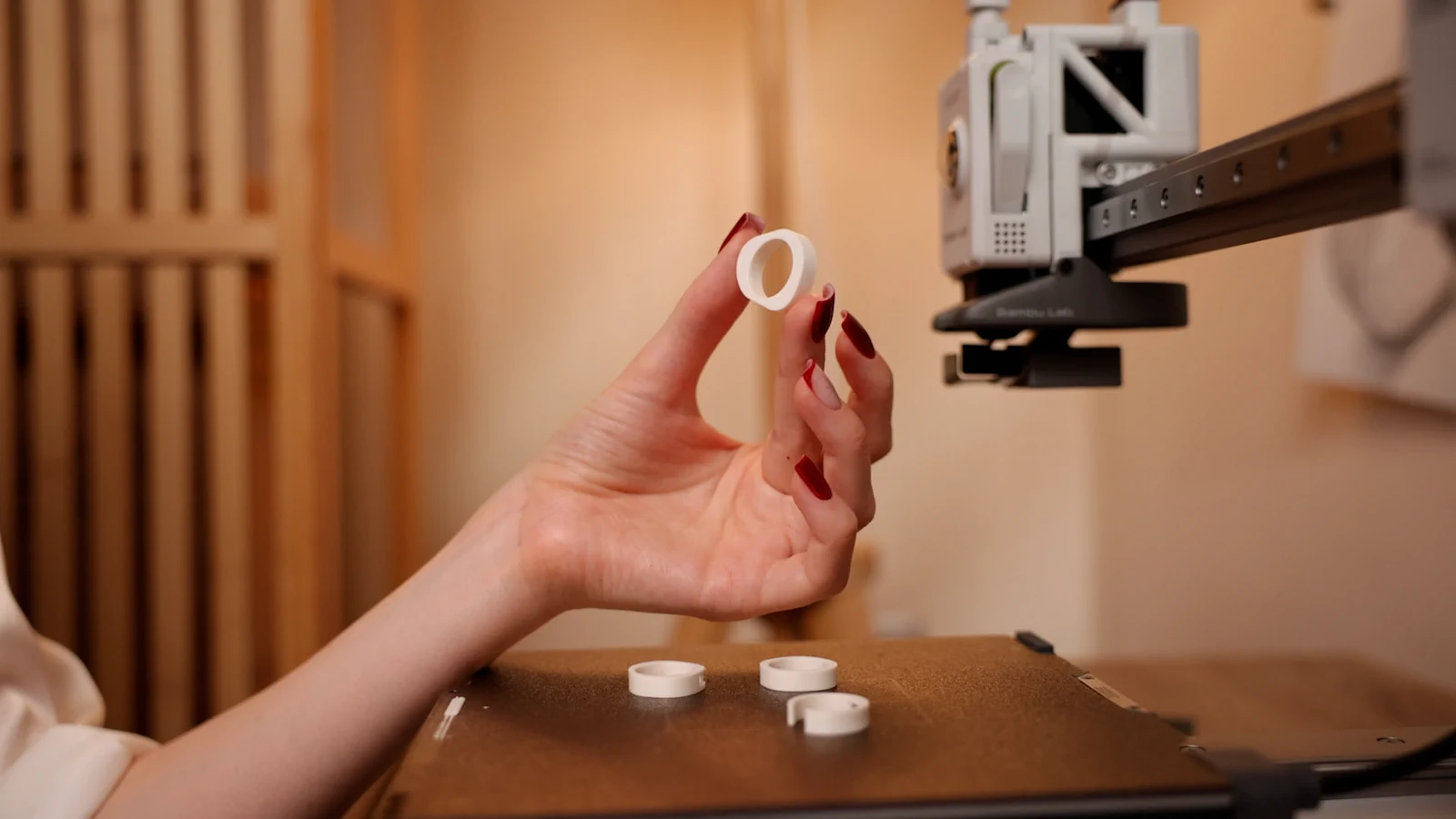
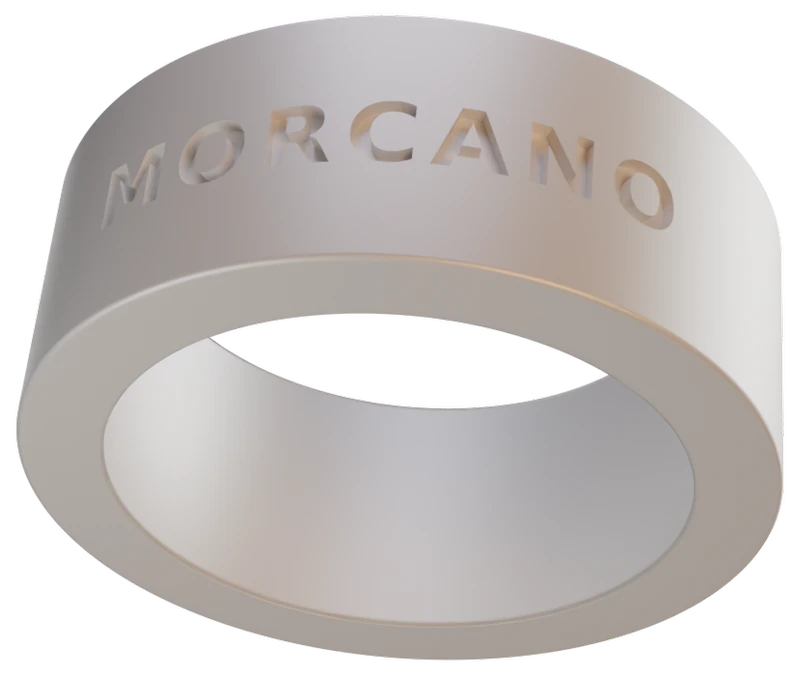
Make a 3D printed ring that fits your finger.
Standard sizes, exact inner diameter, dimensions in millimetres.
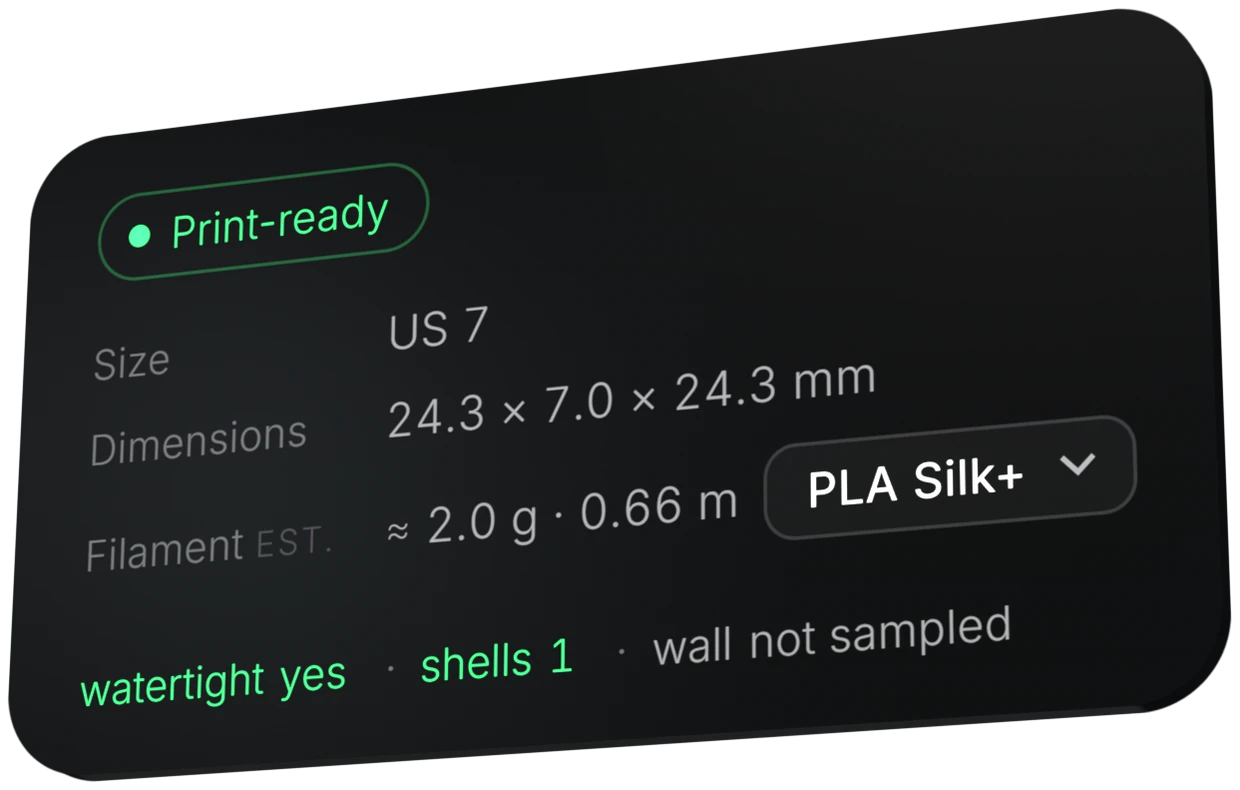
In Morcano Studio you choose a standard ring size, such as US 7, and the studio sets the exact inner diameter. Only the fit changes. The shape stays the way you designed it, and the dimensions are shown in millimetres before you export.
How to get the size right
Find your size
Use a ring size you already know, or measure the inner diameter of a ring that fits you in millimetres.
Choose the size in the studio
Pick the size system and the size, for example US 7. The studio sets the exact inner diameter.
Check the dimensions
The status card shows the dimensions in millimetres before you export.
Print and try it on
Print it, then compare the result with your finger.
Tip.The studio supplies the geometry. Printer calibration, slicing parameters and compensating for thermoplastic shrinkage are the user's responsibility under Terms section 7, so a first print may need a small adjustment.
Try it in the studio
The free plan gives 3 designs a month on each generator. Paid plans are on the plans page.
Questions
Does changing the size change the design?
No. Only the fit changes. The studio rebuilds the geometry for the new size instead of scaling the whole model, so the shape stays the way you designed it.
Which size systems are supported?
International ring size systems, matched to verified real print dimensions.
Is the printed ring exactly the size I chose?
The studio sets the exact inner diameter for the size. How closely a printed ring matches depends on your printer calibration and material shrinkage, which are your responsibility under the Terms.
Can I measure my finger instead of picking a size?
The studio can match a measured inner diameter to the nearest standard size.
Where do I see the real dimensions?
On the status card before export, in millimetres.