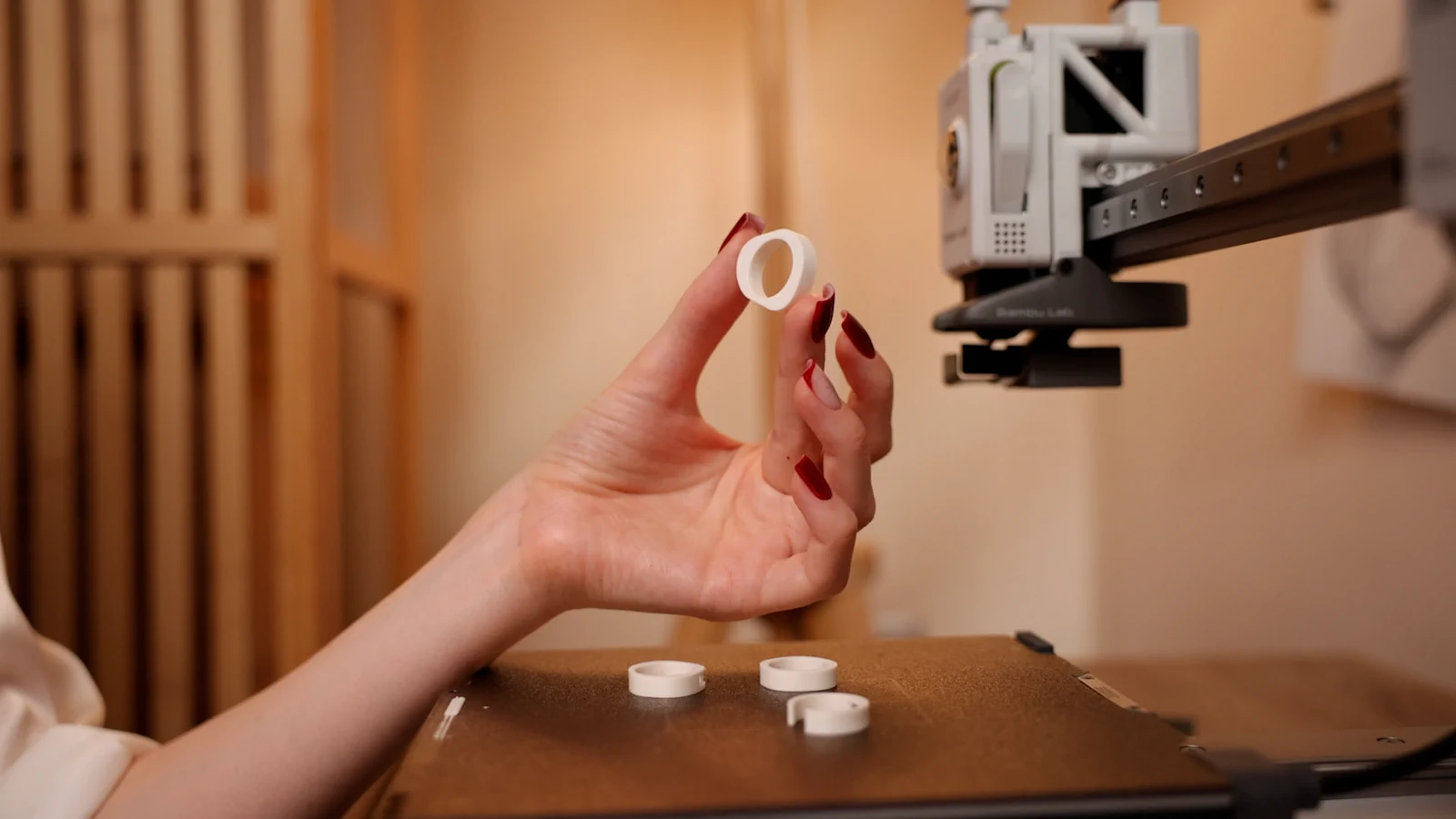
How Morcano checks a ring will print.
Watertight, single shell, minimum wall, and what a failure looks like.
2 min readPrintUpdated 12 Oct 2026
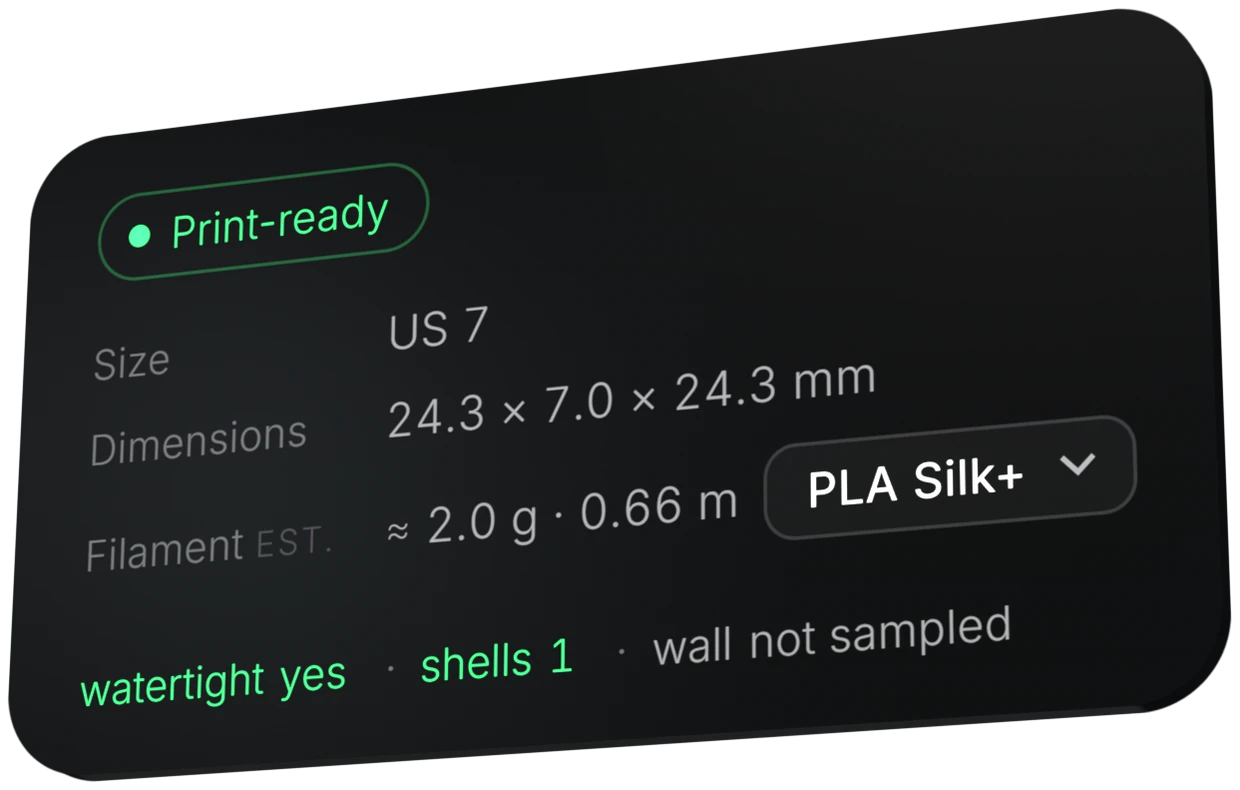
Every ring export is checked before it downloads: closed (watertight) geometry, a single shell and sufficient wall thickness. If a setting will not hold up, the studio does not hand you a broken file. It tells you which parameter to change.
Steps
Adjust the ring
Change profile, size, width, text or pattern. Each change rebuilds the real geometry rather than stretching a finished model.
Read the status card
It shows Print-ready, the dimensions, the filament estimate, watertight yes and shells 1.
Fix what the studio flags
The studio names the parameter to change. An example of such a message: the wall is thinner than 1.5 mm by 0.3 mm, so widen the band.
Export
Once the checks pass, download STL or 3MF.
Checks and limits
- Watertight
- The mesh is closed. A file that fails the check is not issued.
- Shells
- The ring is one connected body. The card shows shells 1.
- Minimum wall
- 1.5 mm. Below that the studio refuses and says how much to change, instead of quietly adjusting the design.
- Engraved text
- Minimum stroke 0.45 mm, a little above the 0.4 mm of a standard nozzle.
- Inside engraving
- Up to 0.3 mm deep, because the inside of the ring is the part that has to fit a finger.