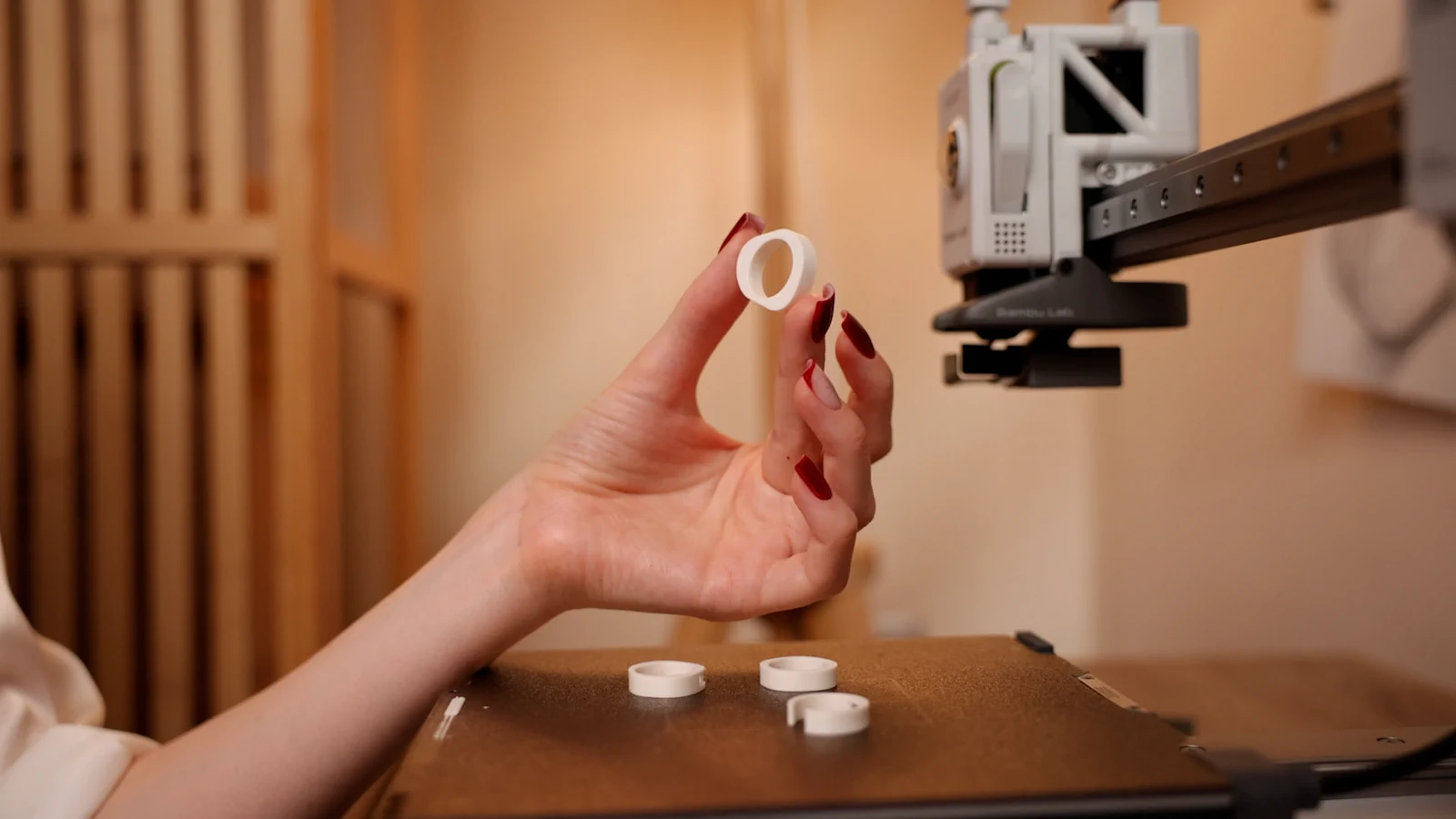
Get a ring file that prints without repair.
Watertight, one shell, minimum wall: checked before download.
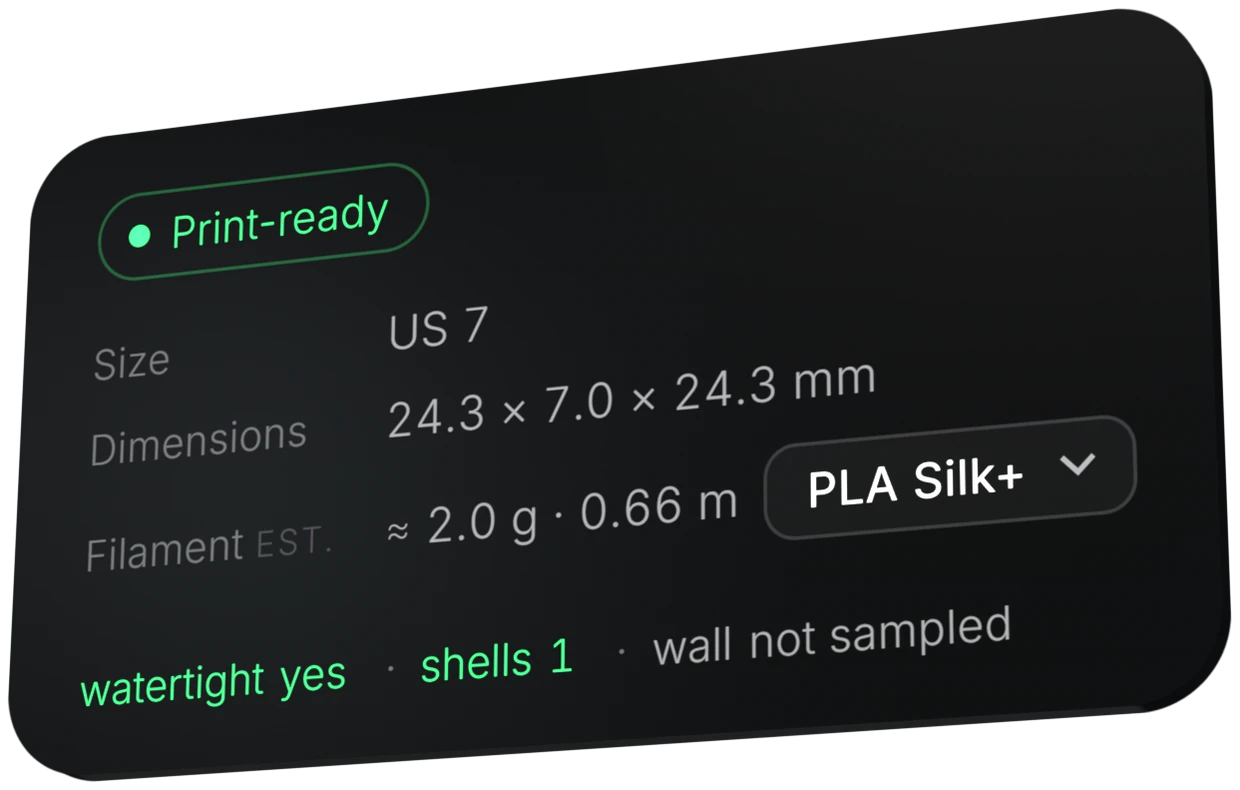
Morcano Studio checks every ring before you can download it: closed (watertight) geometry, a single shell and sufficient wall thickness. A file that fails is not issued, and the studio tells you which parameter to change, so you do not need a mesh repair step.
How to get a ring that prints first time
Design in the studio
Every change rebuilds the real geometry, so what you see is the mesh that will be exported.
Read the status card
Look for Print-ready, watertight yes and shells 1.
Fix what is flagged
If a setting will not hold up, the studio names the parameter to change. An example of such a message: the wall is thinner than 1.5 mm by 0.3 mm, so widen the band.
Export and slice
Download STL or 3MF and open it in Bambu Studio, OrcaSlicer or PrusaSlicer.
The full list of checks and limits is in How Morcano checks a ring will print.
Try it in the studio
The free plan gives 3 designs a month on each generator. Paid plans are on the plans page.
Questions
Do I need to repair the mesh?
No. The file is checked before download, so there is no repair step. A file that fails the check is not issued.
What does watertight mean?
The mesh is closed, with no holes. The studio shows watertight yes on the status card.
What is a single shell?
The ring is one connected body, with no loose pieces. The status card shows shells 1.
What happens if the wall is too thin?
The studio refuses and tells you which parameter to change and by how much, instead of quietly adjusting the design. The minimum wall is 1.5 mm.
Which slicers can open the files?
Bambu Studio, OrcaSlicer and PrusaSlicer can open the files. They are exported as STL or 3MF.