Make a custom light switch cover to 3D print.
Type 86, EU80 or US; 11 shapes; 1 to 4 sections; patterns.
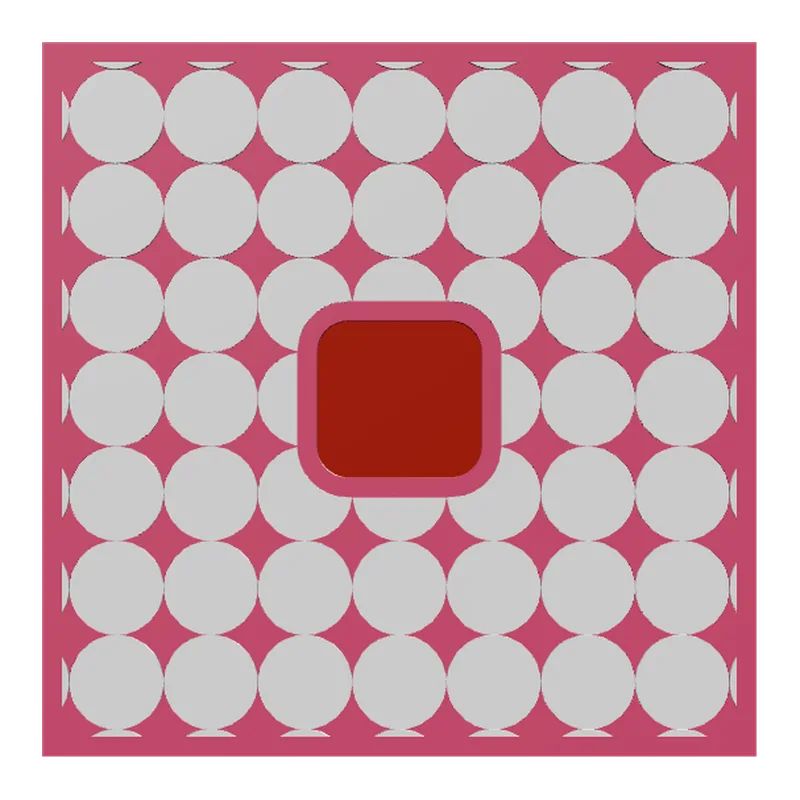
The Switch Plates generator builds a cover plate around the switch or socket you already have. You pick the standard, the number of sections and what sits in each one, then the shape and the pattern. The plate is measured to the device face, and it prints face down, so the visible side comes off the build plate smooth.
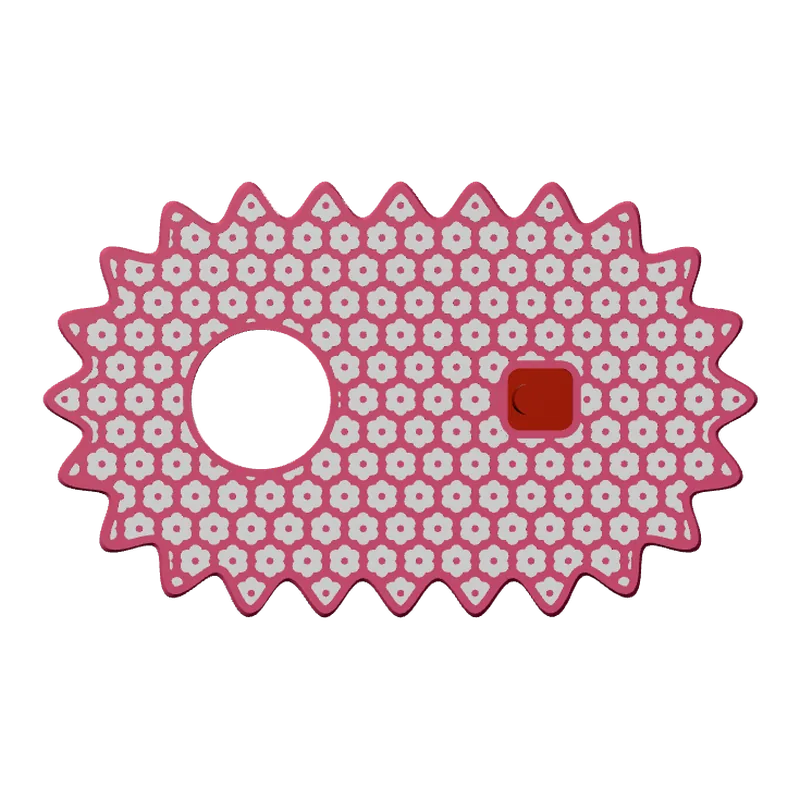
How to design a switch plate
Choose the standard
Type 86, EU80 or US. The device sizes start from the standard and can be measured and typed in: face width and height from 40 to 140 mm, protrusion from the wall 2 to 30 mm.
Lay out the sections
1 to 4 sections, horizontal or vertical. Each one is a 1, 2 or 3-gang switch, a rocker or a socket (round or duplex). On US plates each gang is a toggle, Decora, duplex or blank.
Pick the shape and edge
Square, circle, stadium, cloud, quatrefoil, scallop, cushion, heart, wave, blob or ricrac, with a flat, bevel, pillow, terrace or ribbed edge.
Add a pattern
One of 14 library patterns or your own SVG, tiled or across the whole face, recessed 0.2 to 1.2 mm so it can take a second colour.
Export and print
Download 3MF or STL and print face down.
What you can change
- Mount
- A cap that sits over the device, or a screw mount on US plates.
- Plate size
- Standard, midway or jumbo; plate thickness 3 to 8 mm.
- Pattern
- Rays, swirl, ripples, waves, zebra, blobs, scales, stripes, dots, hearts, flowers, checker, terrazzo, leopard, or your own SVG. Motif size 4 to 30 mm, turn in 15 degree steps.
- Colours
- The plate and its pattern in two colours, plus an optional coloured band round the edge.
Printing tips
Tip.Print face down: the face against the build plate comes out flat and clean, with no layer lines on the visible side.
The 3MF keeps each colour as its own object, so a printer with automatic filament changes (such as a Bambu Lab AMS) prints it in one go. With one colour, print every object in the same filament.
The plate is a decorative cover over your switch or socket. The electrical device itself stays as it is installed.
Questions
Which switch standards are supported?
Type 86 (common in China), EU80 (European) and US, including toggle, Decora and duplex outlets.
How many switches can one plate cover?
1 to 4 sections, laid out horizontally or vertically.
Can I use my own pattern?
Yes. Upload an SVG and tile it or stretch it across the whole face, or pick one of 14 library patterns.
What file do I get?
A 3MF, which keeps each colour as its own object for a multi-colour printer, or an STL. Every file is checked before it downloads: closed (watertight) geometry, a single shell and walls thick enough to print.
Is it free?
The free plan gives 3 designs a month on each generator. Selling the printed pieces needs the Seller or Studio plan, which include the commercial licence.
Licence
On the Free and Maker plans you may print your designs for yourself and as gifts, not for sale. Selling the printed pieces needs the Seller or Studio plan, which include the commercial licence and a licence certificate for each design. Pieces made during the free beta, before paid plans launched, may still be sold on the terms of that time. The exported files themselves can never be resold or redistributed, on any plan.
This is a summary. Read Can I sell rings I 3D print with Morcano? and the Terms, which are the authoritative text.