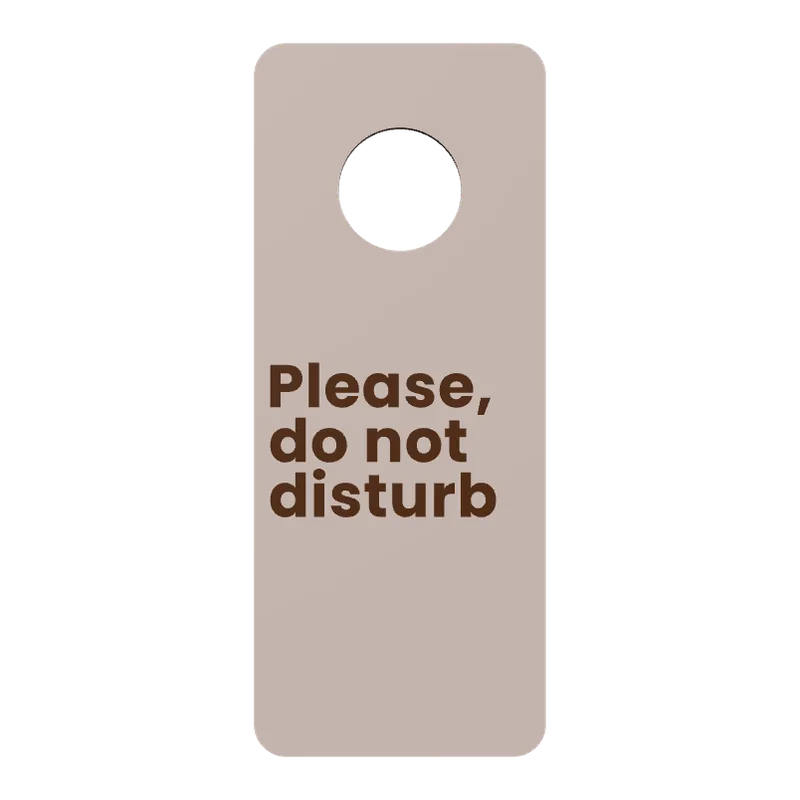
Make clothes hangers and hooks with your logo.
4 kinds, your logo or name, 11 fonts, cut to fit your printer.
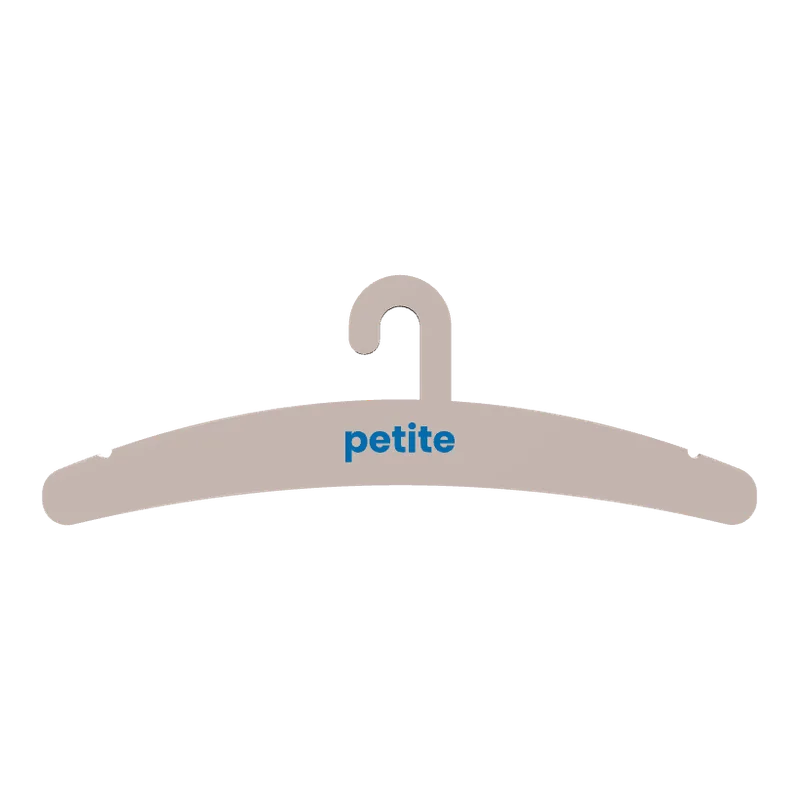
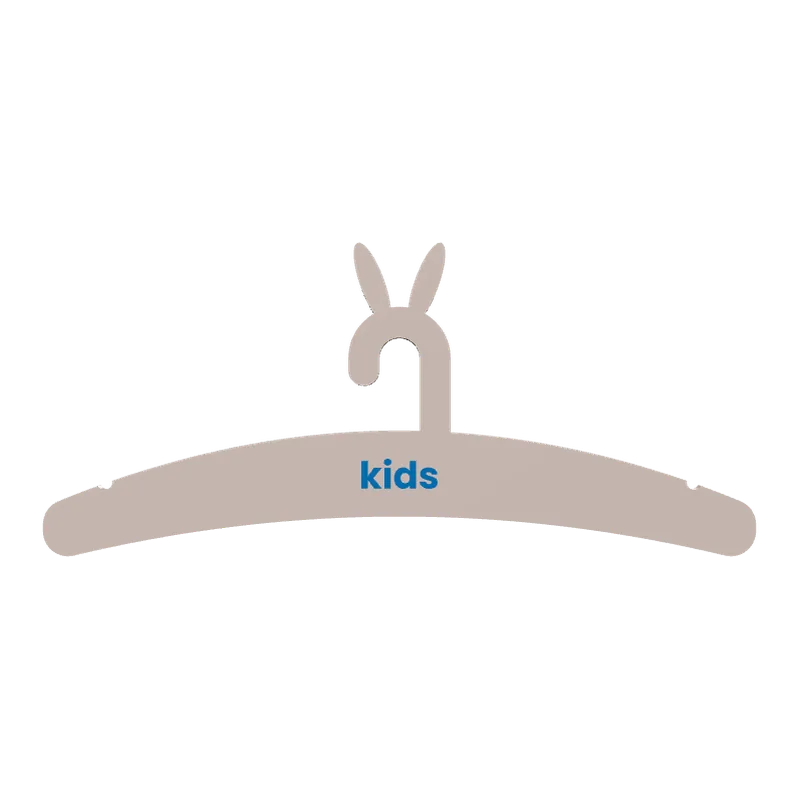
The Hangers & Hooks generator makes four things: clothes hangers, belt hangers, S-hooks and over-the-door hooks. A hanger can carry a shop's logo or a name inlaid in a second colour, and a child's hanger can have ears. Hangers wider than your printer's bed are cut to fit it.
How to make a branded hanger
Pick what to make
A clothes hanger, a belt hanger, an S-hook or an over-the-door hook.
Size it
Hanger width 180 to 460 mm, rail 10 to 45 mm, thickness 4 to 14 mm; door thickness 10 to 60 mm for a door hook.
Add the mark
Text in 11 fonts or your logo SVG, inlaid 0.4 to 1.6 mm for a second colour.
Export and print
Flat on the bed; a hanger too wide for it comes in parts.
Where it is used
- Clothing shops and market stalls with their own brand.
- Children's rooms, with ears and a name.
- Belts and scarves on a wardrobe rail.
Tip.Test the load before you sell hangers for heavy coats: print one and hang the heaviest item it is meant for.
Questions
Can I put my shop's logo on a hanger?
Yes, as an SVG inlaid in a second colour. You must hold the rights to the logo.
What if the hanger is wider than my printer?
The studio cuts it to fit the bed.
Which hooks can it make?
S-hooks and over-the-door hooks sized to your door's thickness.
What file do I get?
A 3MF, which keeps each colour as its own object for a multi-colour printer, or an STL. Every file is checked before it downloads: closed (watertight) geometry, a single shell and walls thick enough to print.
Is it free?
The free plan gives 3 designs a month on each generator. Selling the printed pieces needs the Seller or Studio plan, which include the commercial licence.
Licence
On the Free and Maker plans you may print your designs for yourself and as gifts, not for sale. Selling the printed pieces needs the Seller or Studio plan, which include the commercial licence and a licence certificate for each design. Pieces made during the free beta, before paid plans launched, may still be sold on the terms of that time. The exported files themselves can never be resold or redistributed, on any plan.
This is a summary. Read Can I sell rings I 3D print with Morcano? and the Terms, which are the authoritative text.